
So you’ve decided that you wanted to pursue your interest with a camera. Now it’s time for your next task… Determining whether you plan to go professional, and build up your fleet of expensive cameras or if you want to stick with enthusiast-level equipment and enjoy your time behind the camera.
I know that this decision might be hard for you, so in the meantime, enjoy these free mobile photo-editing apps that will sharpen your editing skills—even while lying in bed or sweating in the hot summer sun.
- VSCO
- PicsArt Photo Editor + Collage
- Enlight Pixaloop – Movie Photos
- Facetune 2
- Adobe Photoshop Fix
VSCO

VSCO is my go-to photo-editing app. There are endless filters that you can place and manually adjust on your picture. The coolest part about this app is that you’re able to create a saved recipe for all of the future pictures that you choose to edit, which will save countless hours of editing to fit your aesthetically-pleasing Instagram theme.
PicsArt Photo Editor + Collage

PicsArt is the best entryway into learning about some of the features you’ll see on Adobe Photoshop. On this app I learned about the ability to cut, layer and fade different photos on top of each other to create “photoshopped” images. Not only does this app offer various free filters, but you can also add stickers and text. You can share your work with others on the app using hashtags, and maybe seeing others’ shared work will spark more creativity within yourself.
Enlight Pixaloop Editor + Collage
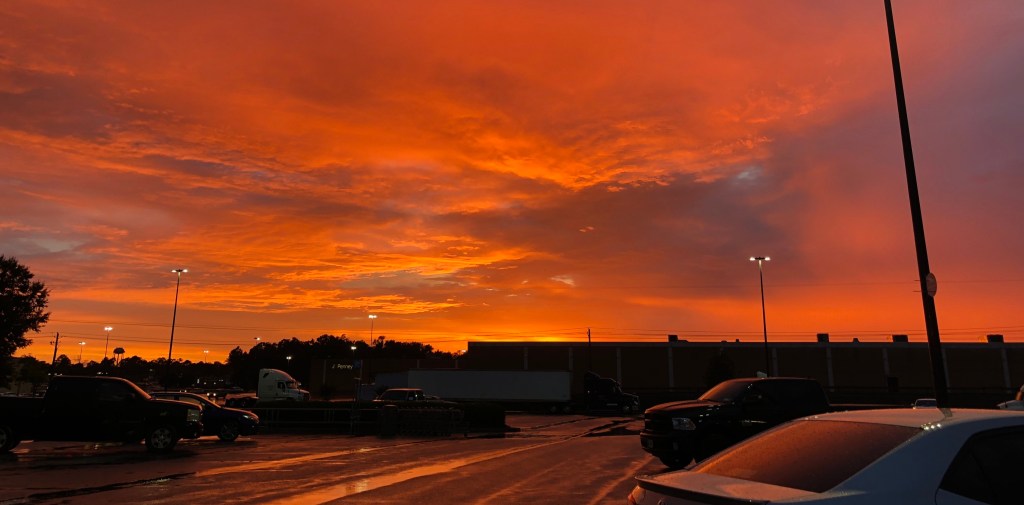
I came across this application when going on a photo-editor download spree, and it turned out to be one of the ones that stayed on my phone after I deleted others. This app enables you to bring a still image to life! After playing around with this app, I discovered that I would love to learn more about the videography side of a camera.
Facetune 2

Facetune 2 is the top pick for most of my friends, and you can see why! This app offers cool features such as teeth whitening and smoothing out skin impurities. You can even make adjustments and apply filters to your selfies before even capturing the image in a little feature called live editing—which this is something that most apps don’t have, and is definitely worth playing around with.
Adobe Photoshop Fix
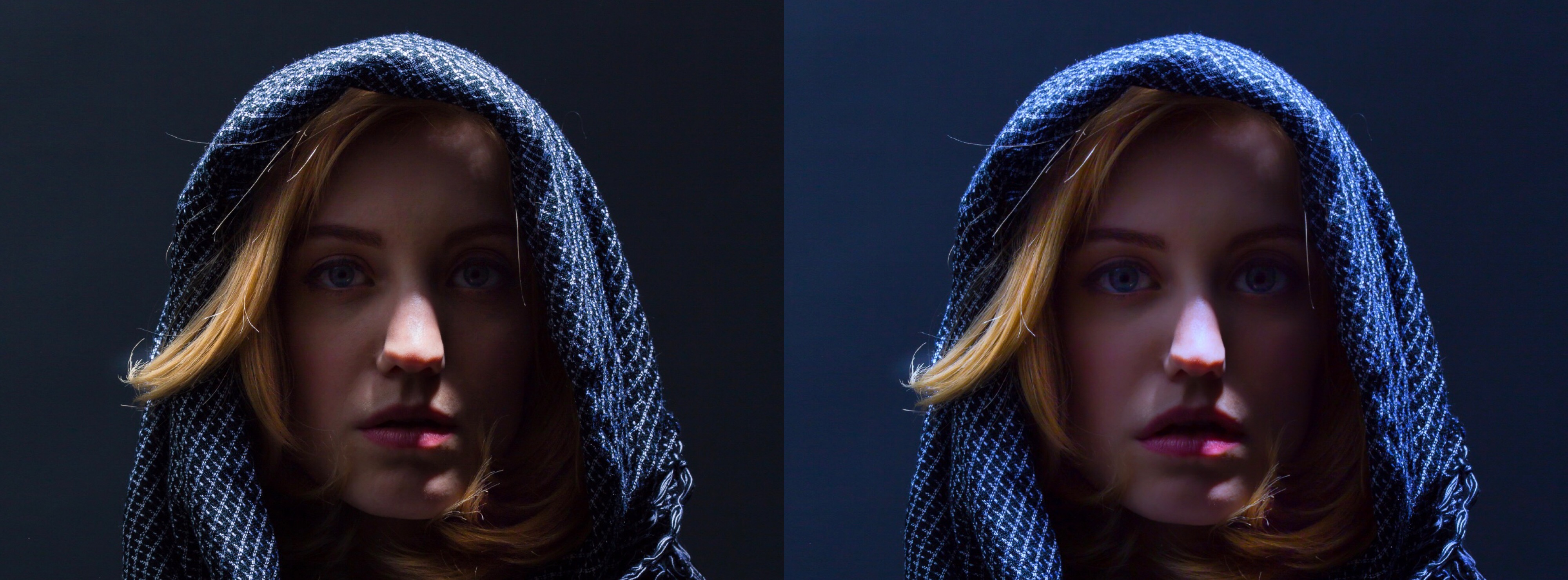
This app is best for enthusiast and intermediate photographers. Photoshop Fix offers simple, yet effective editing options such as adjusting the exposure and contrast, and controlling the amount of warmth/coolness for your photo. Because this app was created by Adobe, you have the ability to sync the pictures you’re working on to the full version of Photoshop CC on your PC or Mac.
Whatever app you choose, you’ll be sure to discover something new about the way you edit your pictures!
All Photos Courtesy of Janae Moses, unless otherwise noted*

 Moses Photography Tips
Thank you for the tips! I have an interest in photography and this helped me a lot. I will be using these apps in the future!
LikeLike